Duality Software
Home Purchase Download
DS Clock
Synchronization plug-ins
Synchronization plug-in for Google Calendar
Synchronization plug-in for Pocket PC
Synchronization plug-in for Smartphone
Calendarscope
Calendarscope
Calendarscope Portable Edition
Calendarscope Network Edition
How to buy
Pricing
Technical support
Frequently Asked Questions
About us
Contact us

Calendarscope - Screen Shots


Click any thumbnail to open a full-size image.

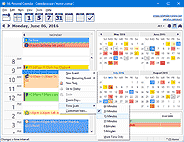
Calendarscope - Day view
Day view
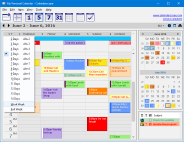
Calendarscope - Multi-day view - (2 - 10 days )
Multi-day view
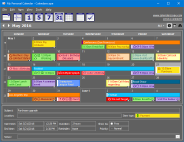
Calendarscope - Month view
Month view
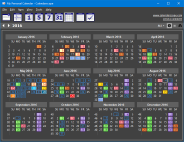
Calendarscope - Year view
Year view
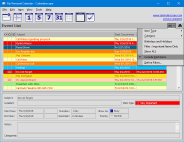
Calendarscope - List view
List view
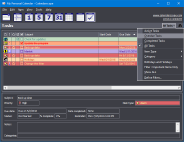
Calendarscope - Task view
Task view
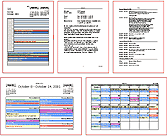
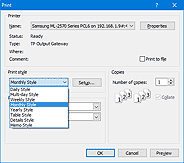
Calendarscope - Print Styles
Print Styles
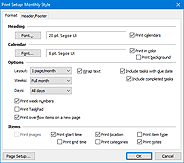
Calendarscope - Printing Options
Printing Options
Calendarscope - Printing
Printing
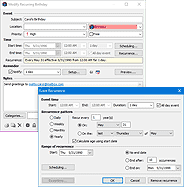
Calendarscope - Edit event dialog box
Edit event dialog box
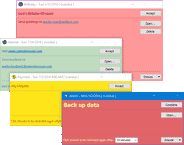
Calendarscope - Reminder windows
Color reminder windows
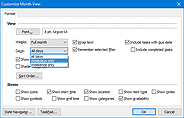
Calendarscope - Customize view
Customize view
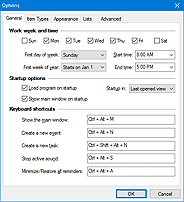
Calendarscope - Options - General
Options - General
Calendarscope - Options - Item Types
Options - Item Types
Calendarscope - Options - Other
Options - Other
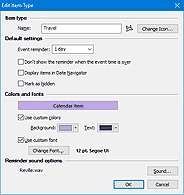
Calendarscope - Edit Item Type
Edit Item Type
Calendarscope - Categories
Categories
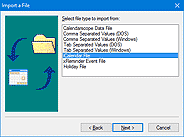
Calendarscope - Import and Export
Import and Export
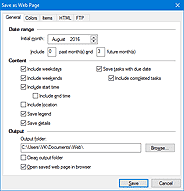
Calendarscope - Save as a Web page - General
Save as a Web page (1)
Calendarscope - Save as a Web page - Colors
Save as a Web page (2)
Calendarscope - Save as a Web page - Items
Save as a Web page (3)
Calendarscope - Save as a Web page - HTML
Save as a Web page (4)
Calendarscope - Save as a Web page - FTP
Save as a Web page (5)
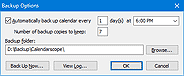
Calendarscope - Backup Options
Backup Options
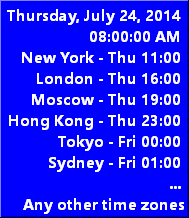
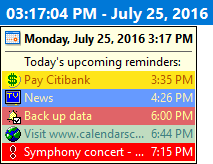
Clock with different time zones Upcoming reminders Upcoming reminders
You should have running DS Clock ( FREE utility )
in order to see the upcoming reminders.